

User-Centric Design: How Understanding People Creates Better Tools
Have you ever struggled with a product that seemed designed to frustrate rather than help? Perhaps a smartphone app with tiny buttons, kitchen tools that hurt your hands, or software with confusing navigation. User-centric design addresses these common frustrations by putting people first. User-centric design isn’t just a buzzword—it’s a fundamental approach that transforms how we create tools and technology to better serve human needs.
When designers prioritize user needs and abilities, they create tools that feel intuitive, accessible, and even delightful to use. Additionally, this approach leads to products that solve real problems rather than creating new ones. Therefore, understanding this design philosophy can help you make better choices as a consumer and potentially improve your own creative projects.
What Makes User-Centric Design Essential for Modern Tools
User-centric design places human needs at the core of the creation process. This approach recognizes that tools exist to serve people—not the other way around. Furthermore, it acknowledges that users have diverse abilities, preferences, and goals that must be considered from the earliest stages of development.

The concept goes beyond mere aesthetics or functionality. Instead, it encompasses a holistic view of how people interact with products in real-world contexts. For example, a truly user-centric smartphone considers not just technical specifications, but how the device feels in different hand sizes, how visible the screen is in various lighting conditions, and how intuitive the interface is for users with different technical backgrounds.
The Three Pillars of User-Centric Design
User-centric design rests on three fundamental principles that guide the development process:
1. Empathy for users – Understanding the actual needs, limitations, and contexts of the people who will use the product
2. Iterative testing – Continuously refining designs based on real user feedback
3. Inclusive thinking – Considering the full spectrum of human abilities and experiences
When these principles are applied consistently, the resulting tools become more effective and accessible to a broader range of users. However, many organizations still prioritize technical features or aesthetic trends over actual user needs, leading to products that fail to deliver meaningful value.
How User Needs Shape Effective Tools
User-centric design begins with understanding what people actually need to accomplish. This understanding comes through thorough research rather than assumptions about user preferences or behaviors.
The Research Foundation
Before designing any tool, user-centric designers conduct extensive research to identify:
-
- Pain points – What frustrates users about existing solutions?
- Workflows – How do people currently accomplish tasks?
- Contexts of use – Where and when will the tool be used?
- User goals – What are people truly trying to accomplish?
This research often reveals surprising insights. For instance, when Microsoft researched how people use word processors, they discovered that many users spent significant time formatting documents rather than writing content. This finding led to the development of style features that simplified formatting tasks, addressing a need users themselves might not have articulated.
From Research to Implementation
Once user needs are understood, designers can create tools that truly serve people’s goals. For example, the popular cooking app Paprika was developed after researchers observed home cooks struggling to manage recipes from multiple sources. The app directly addresses this need by providing a unified system for collecting, organizing, and using recipes.
Additionally, user-centric design considers emotional needs alongside practical ones. Therefore, well-designed tools not only function effectively but also create positive experiences that build trust and satisfaction.
Designing for User Abilities: The Inclusive Approach
User-centric design recognizes that people have diverse abilities and limitations. Consequently, truly effective tools must accommodate this diversity rather than forcing users to adapt to rigid designs.
The Spectrum of Human Ability
Human abilities exist along multiple spectrums, including:
-
- Physical abilities – Strength, dexterity, mobility, and sensory perception
- Cognitive abilities – Memory, attention, problem-solving, and learning styles
- Technical expertise – Familiarity with similar tools and technological comfort
- Contextual limitations – Environmental factors like lighting, noise, or space
User-centric designers consider these variations when creating tools. For instance, OXO’s Good Grips kitchen tools were developed after the founder observed his wife struggling with traditional utensils due to arthritis. The resulting designs feature larger, softer handles that work well for people with various grip strengths and dexterity levels.
Universal Design Benefits Everyone
Interestingly, designing for users with specific limitations often creates better products for everyone. This principle, known as the “curb-cut effect,” refers to how sidewalk ramps originally designed for wheelchair users also benefit parents with strollers, travelers with luggage, and delivery workers with carts.
Similarly, digital accessibility features like clear navigation and keyboard shortcuts, initially developed for users with disabilities, typically improve the experience for all users. Therefore, inclusive design isn’t just ethically sound—it’s good business practice that expands a product’s potential market.
The Iterative Process: Refining Tools Through User Feedback
User-centric design is inherently iterative. Rather than assuming designers know best, this approach continuously tests and refines products based on how real people interact with them.
Prototyping and Testing
The iterative process typically follows these steps:
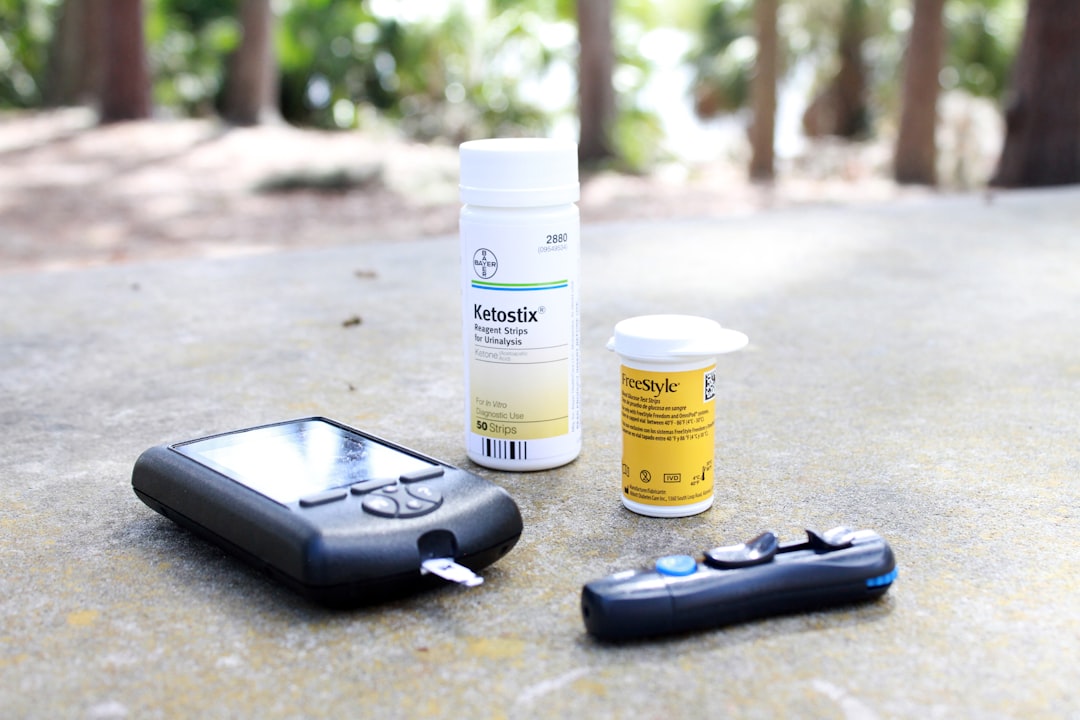
Iterative testing and user feedback are essential components of the User-Centric Design process. Photo by Mykenzie Johnson on Unsplash
1. Create low-fidelity prototypes (sketches, wireframes, simple mockups)
2. Test with representative users
3. Identify problems and opportunities for improvement
4. Refine the design
5. Repeat with increasingly detailed prototypes
This cycle continues throughout development, ensuring the final product truly meets user needs. Furthermore, it often continues after launch through user analytics, feedback channels, and updates.
According to the Nielsen Norman Group, testing with just five users can uncover approximately 85% of usability issues in a design. This makes user testing both effective and efficient for improving products.
Learning from Failures
The iterative process also reveals when fundamental assumptions are wrong. For example, Google Glass failed commercially partly because its designers didn’t adequately consider the social context of use—people felt uncomfortable around others wearing recording devices on their faces. However, this “failure” provided valuable insights that informed later successful products like workplace-specific Glass Enterprise Edition.
Conclusion: The Transformative Power of User-Centric Design
User-centric design transforms not just products but entire industries. When tools truly align with human needs and abilities, they enable people to accomplish more with less friction and frustration. Additionally, this approach often leads to innovative solutions that might never emerge from purely technical or business-driven development processes.
As consumers, we can support this transformation by choosing products designed with users in mind and providing feedback when tools fall short. As creators, we can adopt user-centric principles in our own work, remembering that the best tools become almost invisible—enhancing human capabilities without drawing attention to themselves.
In a world increasingly mediated by technology, user-centric design isn’t just a nice-to-have approach—it’s essential for creating tools that serve humanity rather than demanding that humans serve them. By putting people at the center of the design process, we create not just better products, but better relationships between humans and the technologies we use every day.
What tools do you use daily that seem truly designed around your needs? And which ones make you feel like you’re adapting to them rather than the other way around?